📡
Periodic Keep-Alive Pings
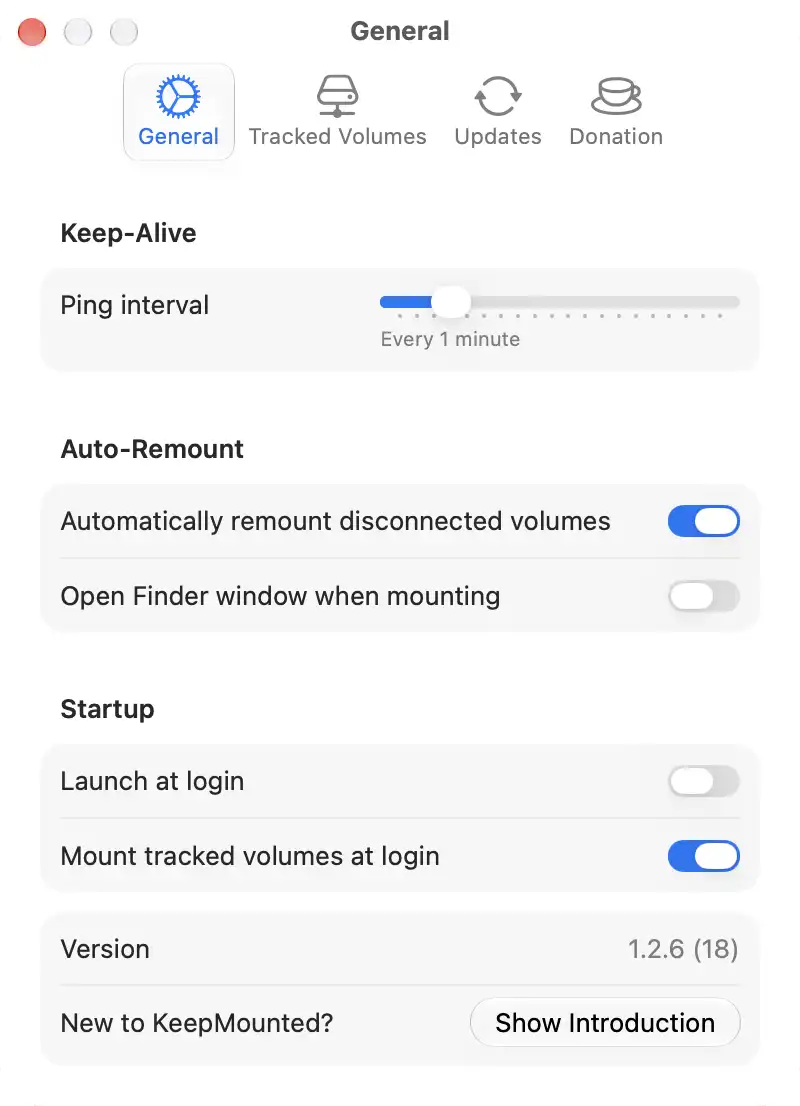
Reads directory listings at configurable intervals (15–300 seconds) to prevent idle-unmounting of your SMB shares.
🔄
Automatic Remounting
Detects unexpected disconnections and automatically reconnects your volumes after a short delay. If the server is still unreachable, KeepMounted keeps retrying until it's back, so no manual intervention is needed.
🔑
Saved-Password Check
KeepMounted can only reconnect a share without asking when its password is saved in your Keychain. It tells you when it isn't, and helps you save it in a couple of clicks.
⏸️
Per-Volume Exclusion
Pause auto-remount, mount-at-login, and keep-alive pings for individual volumes with one click. Perfect for drives you prefer to connect and disconnect manually.
📍
Remember Position
Volumes will restore their position on the Desktop.
📊
Native Menu Bar UI
Runs quietly without a Dock icon. Displays all monitored volumes with live status information right in the menu bar.
🔔
Ask Before Tracking
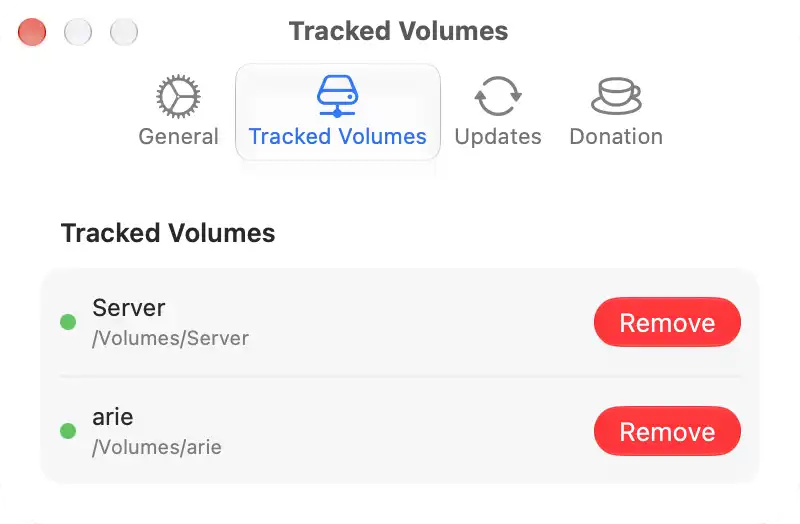
When a new SMB share is mounted, KeepMounted asks whether you want it monitored. Nothing is tracked without your say so, and you can change your mind anytime from Settings.
👋
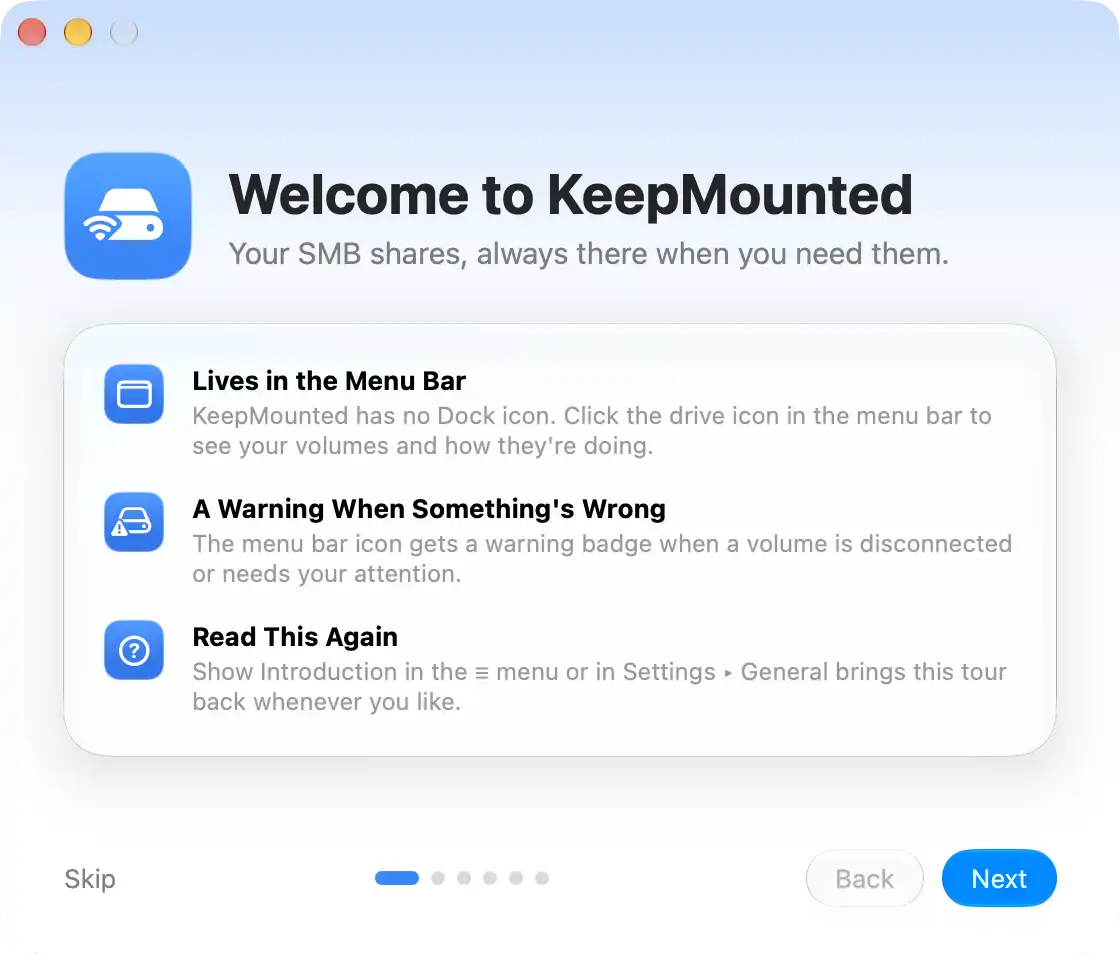
Guided Introduction
A short walkthrough on first launch explains how tracking works, what the menu shows and how Desktop positions are restored, and lets you set up the startup options. Replay it anytime from the menu bar or Settings.
✨
Made for macOS Tahoe
The menu, Settings and the introduction use Liquid Glass on macOS 26, with the same layout without glass on macOS 15.
⬆️
Seamless Updates
Powered by Sparkle. Checks for new versions on a schedule you control, downloads and installs them in the background, or check manually anytime from the menu bar.
🔒
Private & Direct
No personal data is ever transmitted. All volume monitoring happens locally on your device.
🚀
Launch at Login
Enable automatic startup so KeepMounted is always running in the background, providing continuous protection from the moment you log in.